Free forever Windows
Multiple models collaborate in a visual pipeline — generating, critiquing, and refining each other's output. Design on a canvas or describe what you need in plain text.
No account Bring your own API key Zero telemetry Offline-capable
Output quality
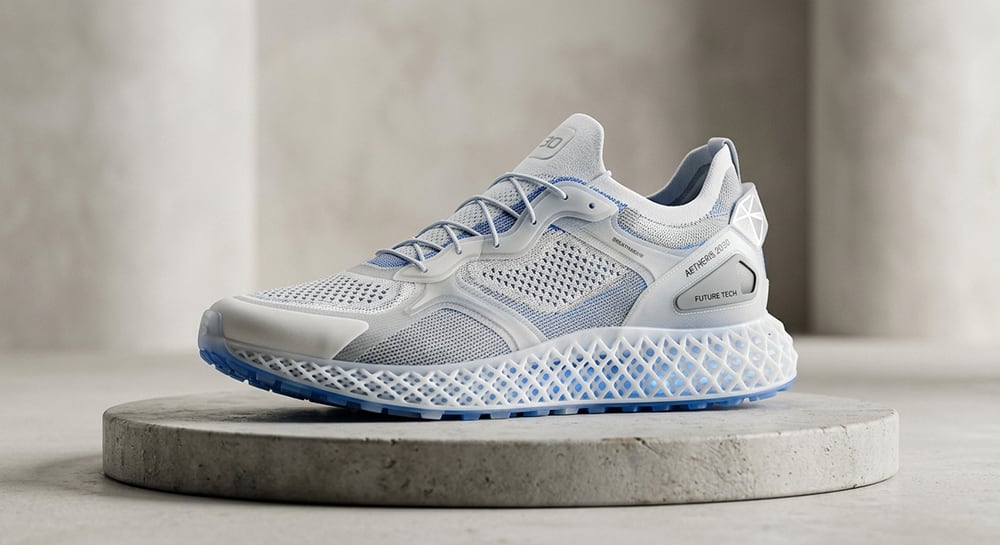
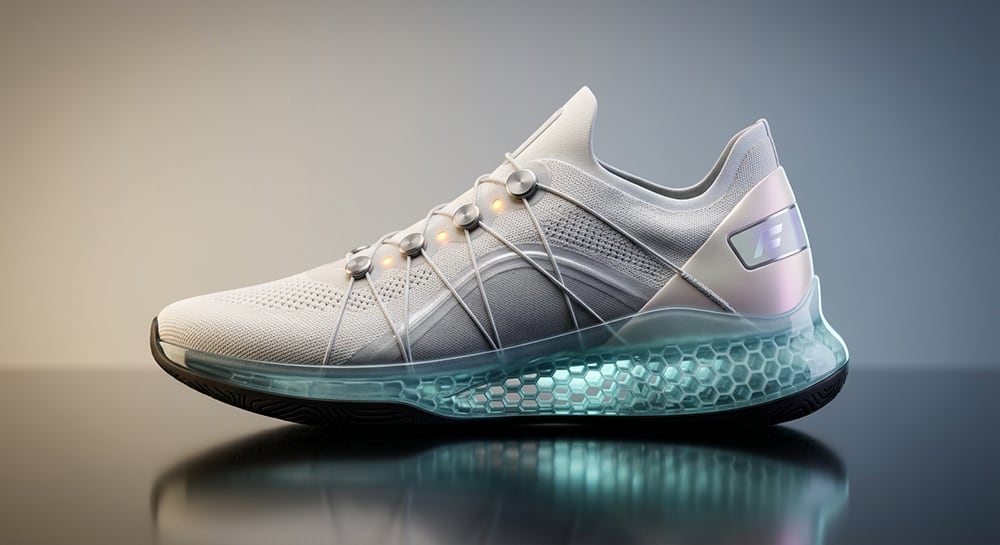
Same prompt, same model. One pass versus a pipeline with a dedicated critique layer and a refinement pass before delivery.
The core problem
A single model generates and judges itself in a single pass. A pipeline separates the roles.
The workspace
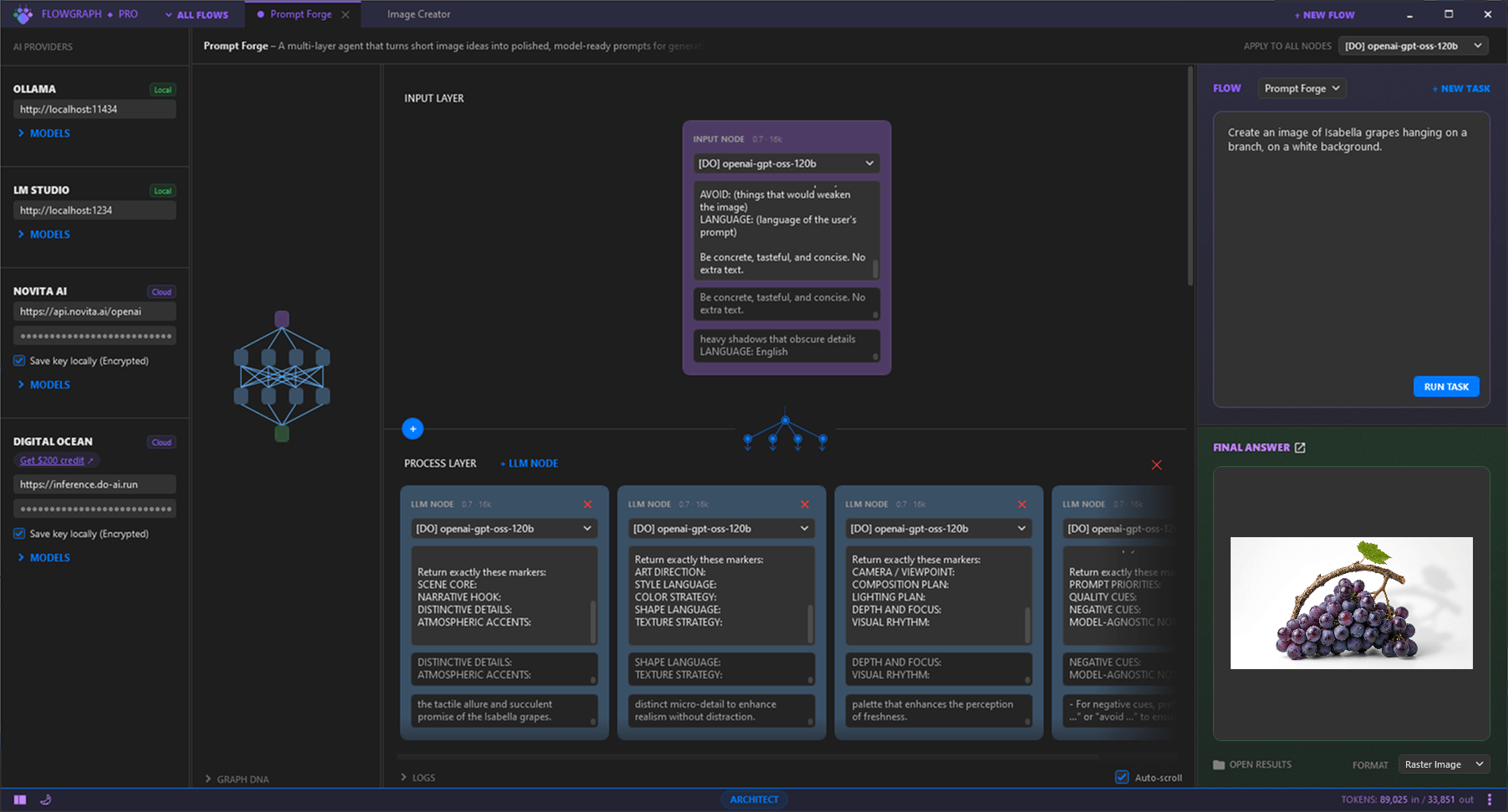
Left sidebar. Add any provider, paste an API key — models appear immediately.
Center canvas. Your Flow as a visual graph — nodes connected in layers. Draw edges, rearrange freely, or build from a DNA string.
Right panel. Type your prompt, press Run, review the result with Markdown and SVG preview. Enable Examiner for quality scoring (0–100).
How it works
Load a Flow, write a brief, collect refined output. The pipeline handles coordination — you focus on the task.
Start from a pre-built Flow, build your own on a blank canvas, or describe what you need in plain text — the app generates the graph for you.
Enter your brief in the right panel. Assign models to nodes. Press Run.
Review results with Markdown and SVG preview. Enable Examiner for quality scoring. Use Cycle mode to re-run automatically until the score meets your target.
Results save automatically. Export the workspace as a file, or share a Flow with a single DNA string — anyone can load it instantly.
Features
Six ready-to-use pipelines are included. Load one, enter your brief, run.
Build pipelines by connecting nodes on a canvas. Each node is a direct LLM call with its own system prompt. Draw edges, reorder layers, adjust prompts inline.
An independent model scores output 0–100 with a verdict and critique. Cycle mode re-runs the pipeline automatically until the target score is met.
Every pipeline encodes into a single text string. Copy it, share it, paste it — the full graph rebuilds instantly.
Every run, every result, every Flow saves locally. Export the entire workspace as one file to back up or move to another machine.
Ollama, LM Studio, DigitalOcean, Novita AI, or any OpenAI-compatible endpoint. Different models on different nodes — within the same pipeline.
Run multi-model pipelines on local hardware. No keys, no cloud, no latency.
Nodes in the same layer run simultaneously. A global counter tracks token usage across the session.
No accounts. No analytics. No telemetry. Zero network requests unless you trigger an API call.
Providers
Cloud or local. Mix them freely — each node in your pipeline can use a different provider and model.
Run Llama, Mistral, Qwen, DeepSeek and dozens of other models entirely on your machine. No key, no internet required.
Desktop runtime for local models with a built-in OpenAI-compatible server. Great if you prefer a GUI for model management.
Serverless GPU inference from a trusted cloud provider. Good for teams already on the DigitalOcean ecosystem.
Fast, cost-efficient inference on open-source models. Competitive pricing for high-volume pipeline runs.
If it speaks the OpenAI chat completions protocol, it works. Point to any endpoint — self-hosted, corporate proxy, or new provider.
Pre-built Flows
Six Flows ship with the app. Each is a working multi-model pipeline — not a placeholder. Write your task, press Run.
Brand
Describe a business idea → get a complete brand platform: positioning, messaging, visual direction, risk assessment, and go-to-market strategy.
Pitch
Describe your startup → get a slide-by-slide investor narrative with market sizing, unit economics, competitive landscape, and objection stress-testing.
Design
Describe the brand → get multiple logo variants in SVG code: minimalist, emblem, abstract, typographic. Each variant is critiqued and refined before delivery.
Visual
Describe the concept → get a visual identity system grounded in color psychology, historical context, and current design trends.
Research
Ask a complex question → get a structured synthesis. The pipeline breaks it into sub-queries, runs parallel research tracks, then consolidates and fact-checks.
Creative
Describe an image idea → get a polished, production-ready prompt for Midjourney, DALL·E, or Stable Diffusion.
Quick start
01
Run FlowGraphPro.exe. No installation, no admin rights. Fully portable
— runs from any folder, any drive.
Self-contained — no runtime install needed.
02
Expand a provider in the left sidebar. Paste your API key. Available models load immediately — no restart, no config file.
For offline use, start Ollama locally — no key needed.
03
Choose a pre-built Flow from the list, or start fresh. Add nodes, connect layers, set system prompts for each. Or paste a Flow DNA string — the graph builds itself.
04
Enter your task in the right panel. Press ▶ Run. Enable Examiner for quality scoring, Cycle for automatic re-runs until your target score is hit.
Flow
A complete pipeline — its graph, node prompts, and settings. You can have multiple Flows open at once, each in its own tab.
Model node
A single LLM call. Has its own system prompt and model assignment. The basic building block of every Flow.
Layer
A horizontal step in the graph. All nodes in a layer execute in parallel, then pass their output to the next layer.
Examiner
An independent model that scores the final output 0–100 with a verdict and critique. Works as a quality gate for Cycle mode.
Flow DNA
A compact text string that encodes an entire Flow. Copy it, share it, paste it — the full graph rebuilds instantly on the other end.
Cycle mode
Automatic iteration. The pipeline re-runs based on the Examiner's feedback, adjusting until the quality score meets your target threshold.
Download
No account, no installer. Download, unzip, run. Pre-built Flows are ready on first launch.
Download v1.0.1 — WindowsFlowGraph Pro makes zero network requests of its own. The only traffic is the API calls you explicitly trigger to whichever provider you've configured. No analytics, no crash reporting, no telemetry. Verify with Wireshark, Fiddler, or Windows Firewall logs.
Windows SmartScreen may flag the executable as from an unknown publisher — click "More info → Run anyway". You can scan the file with VirusTotal or any antivirus before running.